We just completed a 1,500 mile road trip in our 2027 Chevy Bolt and had plenty of opportunity to compare route planning with Google maps and A Better Routeplanner or ABRP.
GM’s native navigation in the new Bolt is Google maps, which will direct the car to precondition the traction battery before a planned charge stop. You can initiate preconditioning manually through the “Charging” app on the infotainment screen by going to charging, then to settings, and selecting preconditioning. The latter is necessary when you’re using ABRP.
Google Maps Doesn’t Play Well with Others
ABRP is not natively installed with Google Automotive. You can use Google Automotive on the Infotainment screen to download ABRP from the Google Playstore. ABRP does run on Google Automotive. So far so good.
As noted though, you can’t use ABRP to precondition the battery for planned charging stops. You have to initiate preconditioning manually. That’s not a show stopper. I found it easy to do while driving.
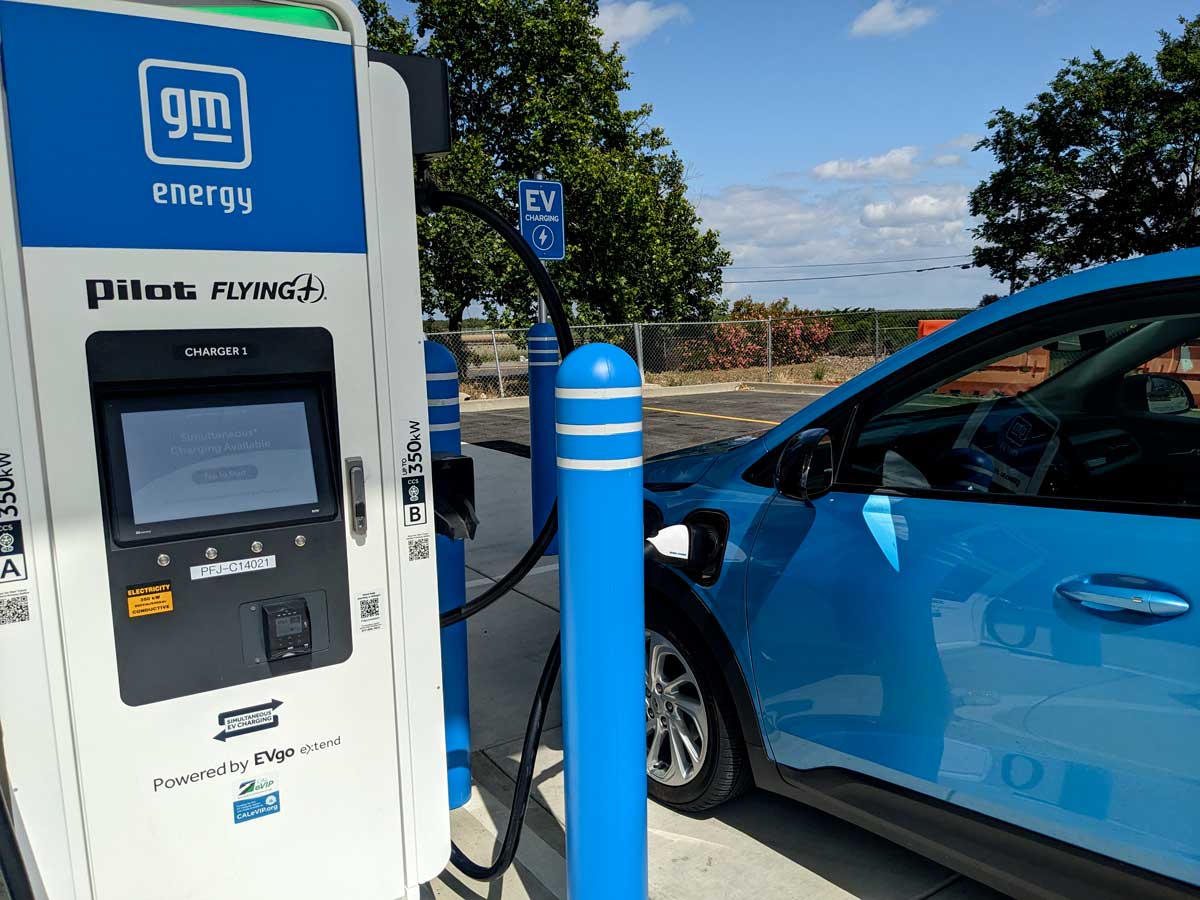
But ABRP mysteriously disappears periodically from the Infotainment screen. On occasion, Google Automotive will warn that ABRP is causing some kind of conflict. Then poof, ABRP is gone. Sometimes ABRP disappears without any warning. You need to go back to the play store and “re-enable” ABRP. This is annoying and can’t be done while driving.
Google Route Planning is Limited
Why bother with ABRP when you have Google Maps you may wonder. Unfortunately, Google’s list of charge stations is woefully limited. Google nearly always lists Tesla stations first even if you have set your preferences for other charging networks. In many places, Google only lists Tesla stations.
ABRP’s identification of charge stations is much more comprehensive. I had a lot of time to compare the two programs while driving. When passing by a community on Hwy 99 or I-5, ABRP would list multiple stations. Google, in contrast, would only list Tesla stations. While I am not a conspiracy theorist, I am a bit cynical and can’t help but wonder if Tesla is paying Google to prioritize their listings.
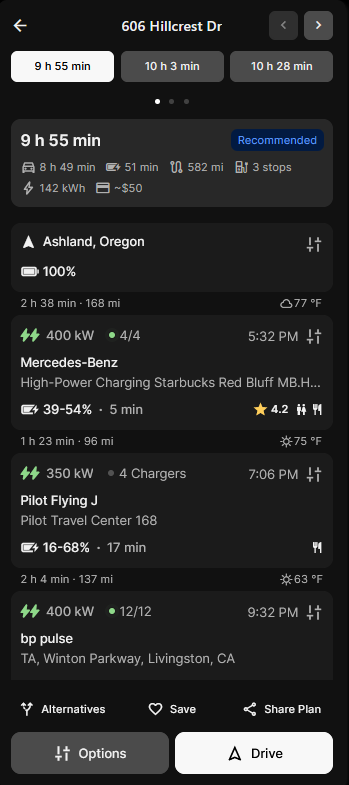
For route planning on any trip such as this trip to Oregon, I would use PlugShare and ABRP. And during the trip I would like to keep ABRP loaded on the Infotainment screen and not be forced to rely on Google maps when ABRP disappears.
Further, it seems Google Maps isn’t offered as the full suite of options you find on a desktop browser. I haven’t found “satellite view” if in fact it is even offered on Google Automotive.
Sending Route Plans to the Car
I plan my routes and charging stops on a desktop browser using ABRP and PlugShare.
Both Google maps and ABRP can send route plans to the car. You can do this with ABRP from a desktop browser by “saving” a plan. However, you can’t do this with Google maps. You can only send a Google route plan from your phone to the car. (Ok, I suppose you can send a route plan to your phone, and then send it to the car, but that seems a bit kludgy.)
Summary
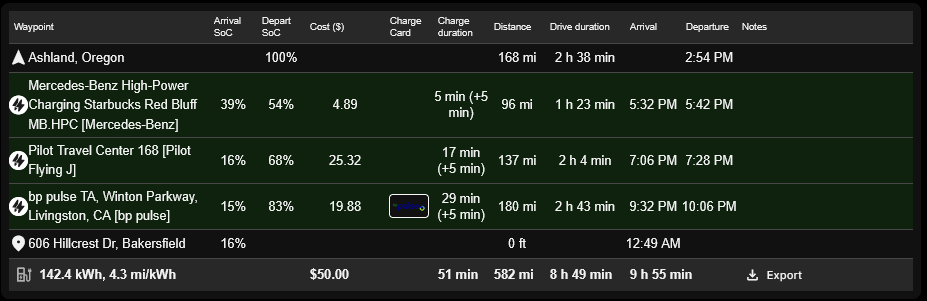
All in all, Google maps is not as full-featured for route planning as ABRP. For example, ABRP will give me a table of charge stops, time to charge, and more. I haven’t found how to do that with Google.
As to the accuracy of state-of-charge estimates between Google maps and ABRP both are equivalent and are reasonably accurate. They both seem conservative, so you can trust both to get you where you want to go with charge to spare.
GM–if you’re listening–fix that Infotainment glitch that keeps bumping ABRP off Google Automotive.
